
Getting started
Signing in, the five-step setup wizard, and what the dashboard and Inbox show once you are through it.
Signing in
Works has no password of its own. Your NuFi account is the account.
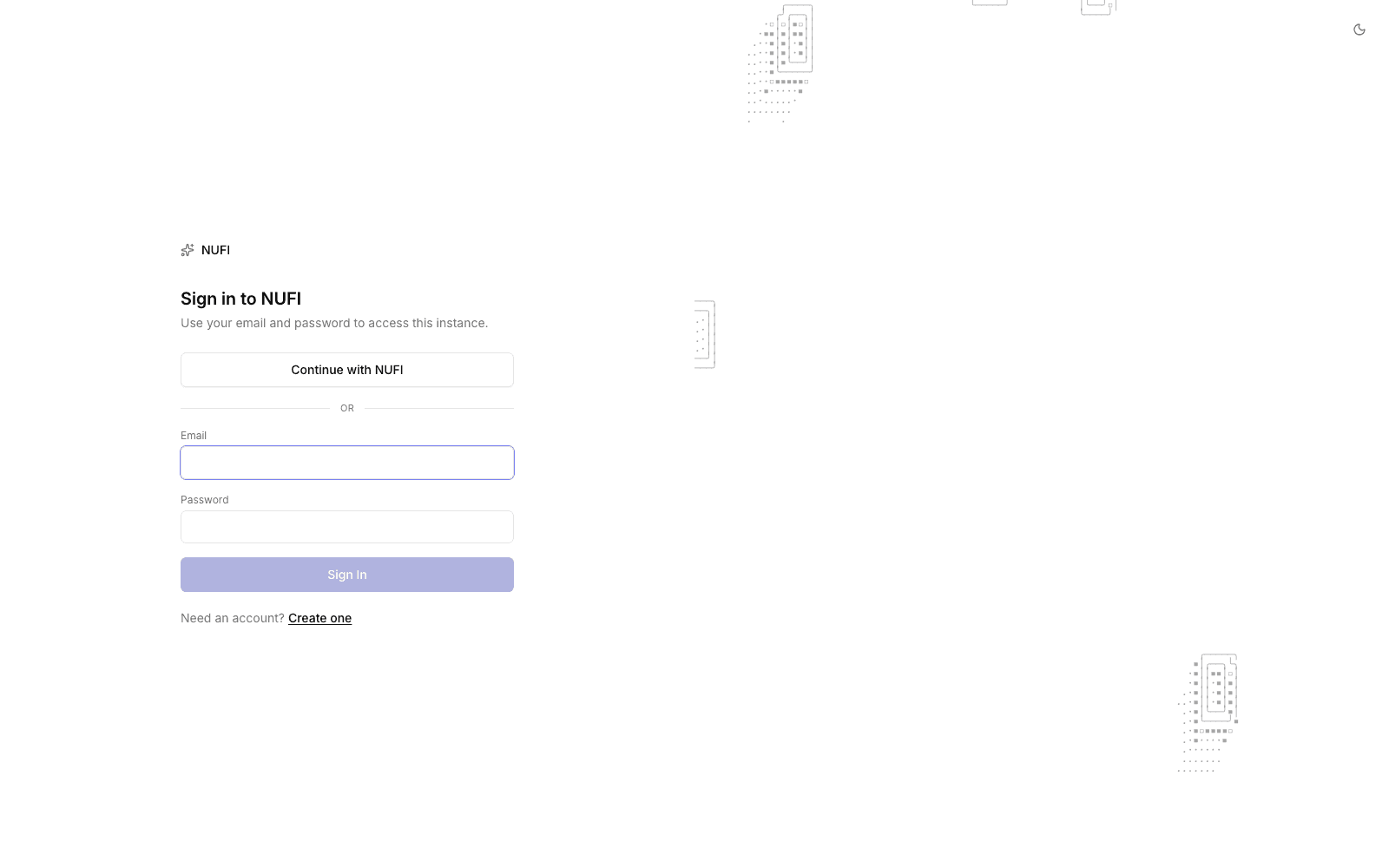
chat.nufi.me, open the account menu and
choose Agents — or go straight to agents.nufi.me. Then pick
NuFi Works. You arrive signed in.Creating a company
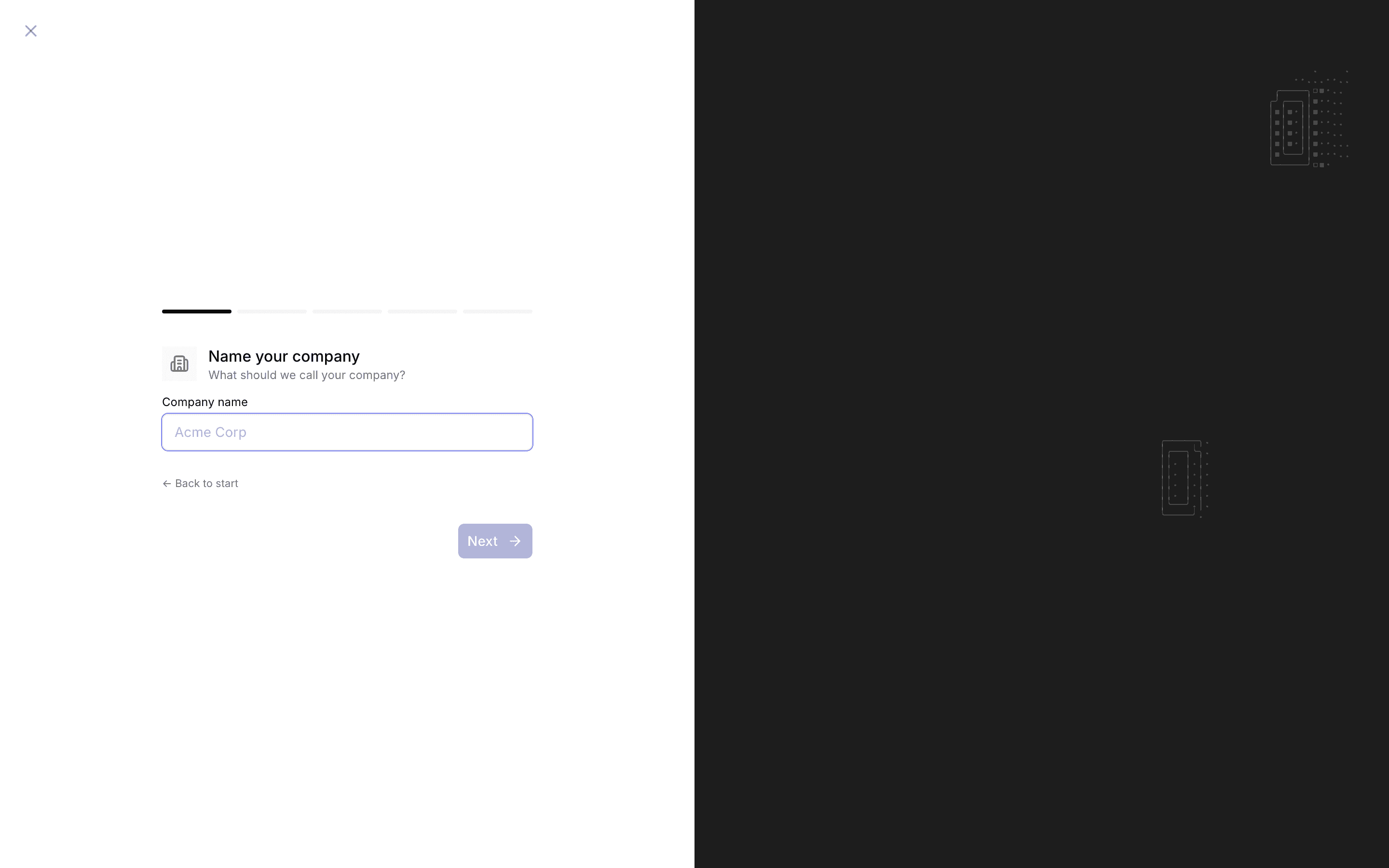
A company is the container for everything else: agents, tasks, budgets, members. Without one you see the setup wizard and nothing else.
Only an instance administrator can create a company. Everyone else joins one by invitation. If you see "No company access" after signing in, you are authenticated but not yet a member of anything — ask for an invite. See Members and access.
The wizard is five steps.
If you picked a coding adapter anyway, the lead still exists; it just cannot run until an operator configures a sandbox provider. Its adapter can be changed afterwards from the agent's own page, so there is no need to start over. See Agents.
The dashboard
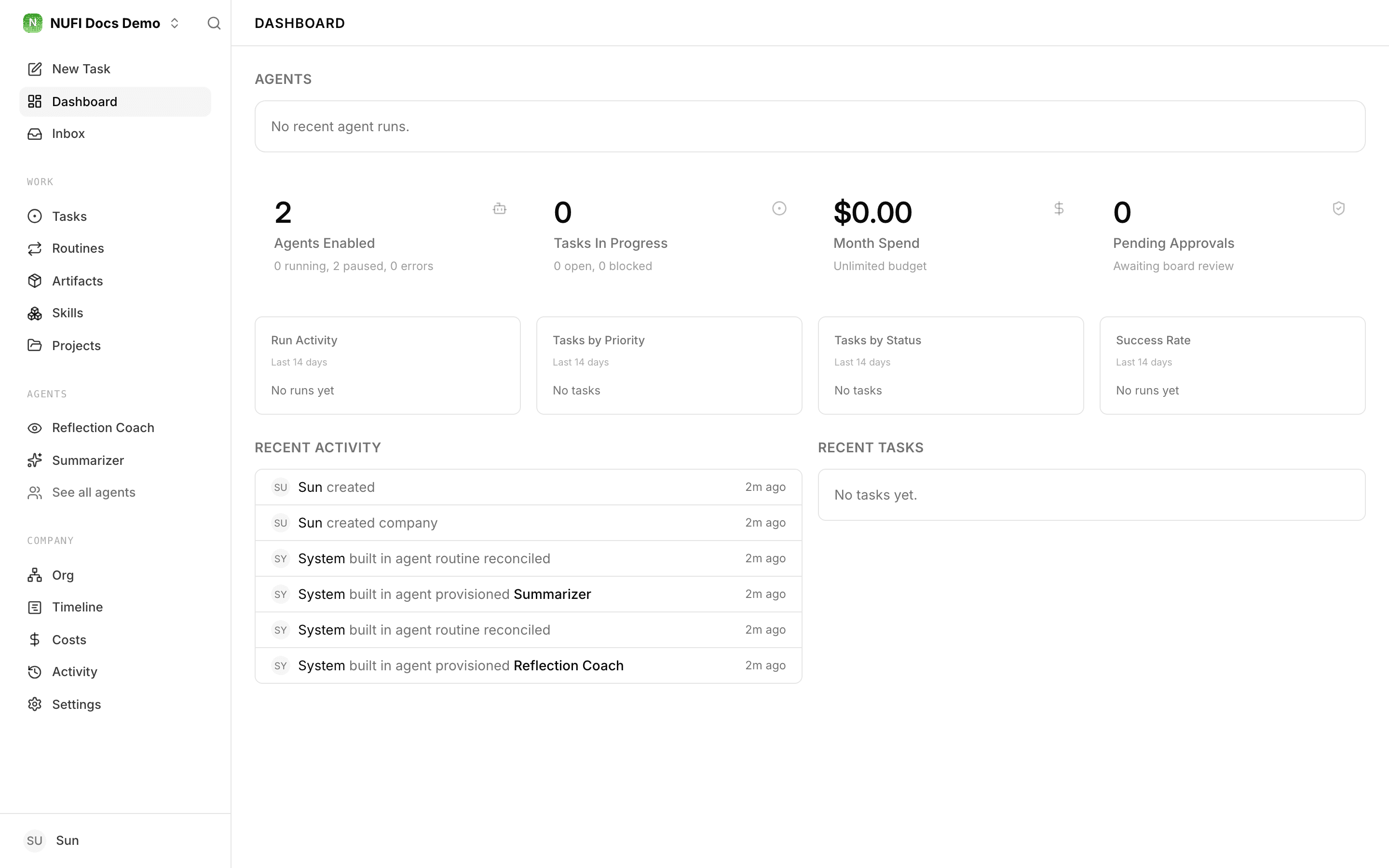
Four numbers across the top: Agents Enabled, Tasks In Progress, Month Spend, Pending Approvals. Below them, fourteen-day trends for run activity, task priority, task status and success rate. On a new company all of it reads zero, which is correct rather than broken.
The left rail groups everything by what it is for:
| Group | Holds |
|---|---|
| — | New Task, Dashboard, Inbox, and Decisions where that experimental view is switched on |
| WORK | Tasks, Routines, Artifacts, Skills, Projects |
| AGENTS | Each agent by name, and See all agents |
| COMPANY | Org, Timeline, Costs, Activity, Settings |
The Inbox
Inbox is the queue of things waiting on a person: approvals that need a decision, runs that failed, requests to join the company, alerts, and the tasks you touched recently. When something an agent did needs you, this is where it surfaces — the dashboard counts it, the Inbox lists it.
Next
- Concepts — what the objects mean.
- Agents — choosing an adapter that runs.
- Assigning work — writing a usable task.