
NuFi Studio
A canvas for turning a repeatable problem into a pipeline you can run, share, and call from your own code.
A conversation solves a problem once. When you find yourself solving the same shape of problem every week — the same extraction from a different invoice, the same answer from a growing set of documents — what you want is not a better prompt. It is a pipeline you can run again, hand to a colleague, and call from code.
That is Studio.
Studio or Works?
NuFi has two agent products and they solve different problems.
| NuFi Studio | NuFi Works | |
|---|---|---|
| You build | A pipeline | A team |
| The unit of work | A flow you run | A task you assign |
| You get | An endpoint | Completed work, with approvals |
| Reach it at | studio.nufi.me | works.nufi.me |
Both open from agents.nufi.me, and neither asks you to sign in again —
see Studio and Works.
What is in here
Getting started
Open Studio, connect a model, and get a flow answering.
Connect a model
The one step nothing works without, and the model names that fail.
Flows
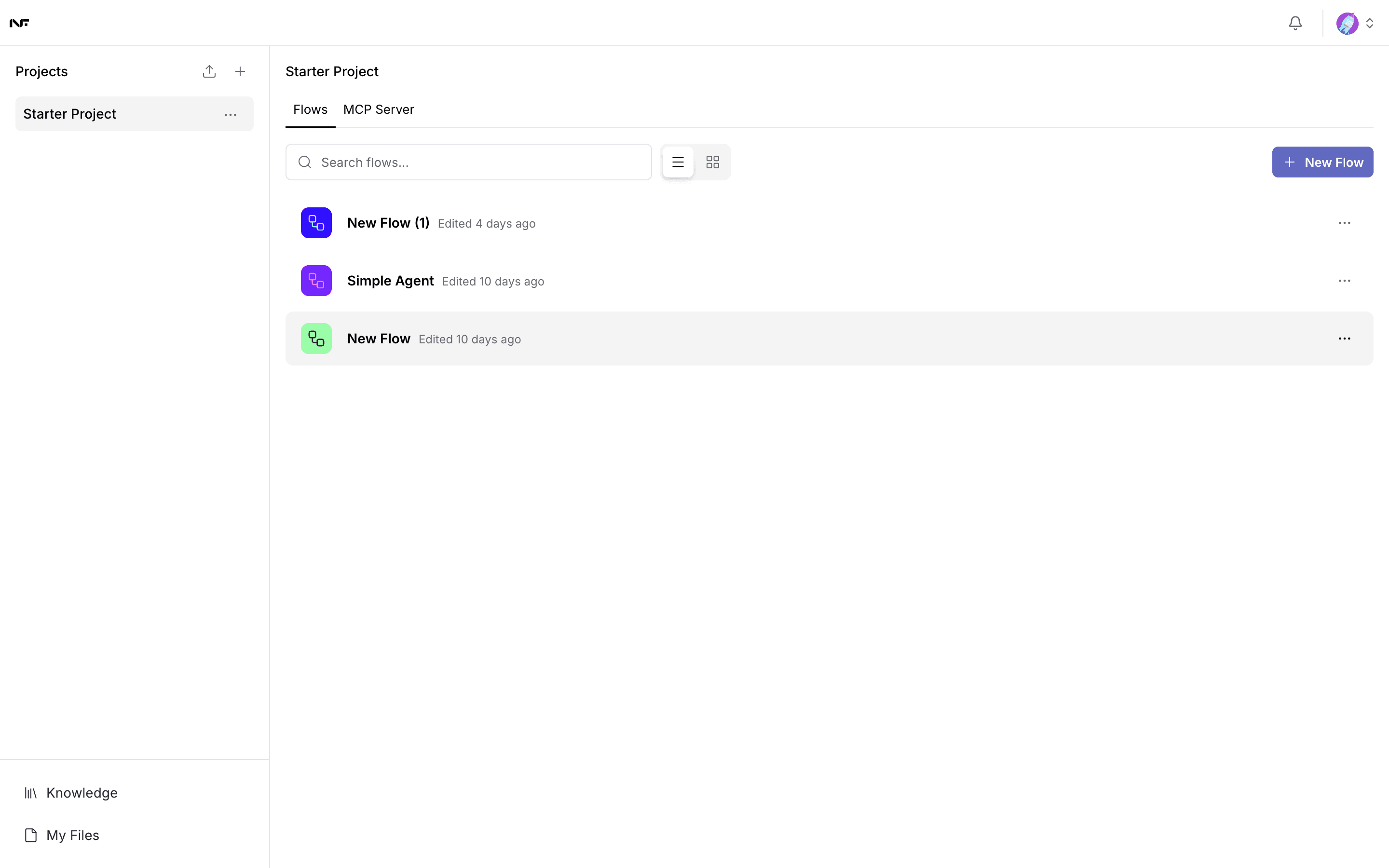
The canvas, templates, the Playground, and how a run is read.
Components
The groups in the palette, what belongs in each, and how to find a component by what it does.
Knowledge
Answering from your own documents.
Variables
Storing a credential without pasting it into a component.
Publish
Turning a flow into an endpoint your code can call, and who can hold the key for it.
Department scenarios
Ten ready-made flows, one per team, each pointed at a model on your own box.
Troubleshooting
What the common failures actually mean.
What Studio does not do
- It does not sandbox what a flow runs. A flow executes inside Studio's own process. A component that runs code or reaches the network does so with Studio's access. Treat a flow you did not write the way you would treat a script you did not write.
- It is not where agent work is tracked. Goals, assignments and approvals live in NuFi Works.