
Getting started
From the chooser to a flow that answers — including the step that is easy to miss and the failure it produces.
Twenty minutes, most of it spent on the flow itself. The setup is two steps, and skipping the second is the single most common reason a new flow does nothing.
1. Open Studio
chat.nufi.me, open the account menu and choose Agents — or go straight to agents.nufi.me. If you are not signed in to NuFi, sign
in at the app first — the door needs a session to know who you are.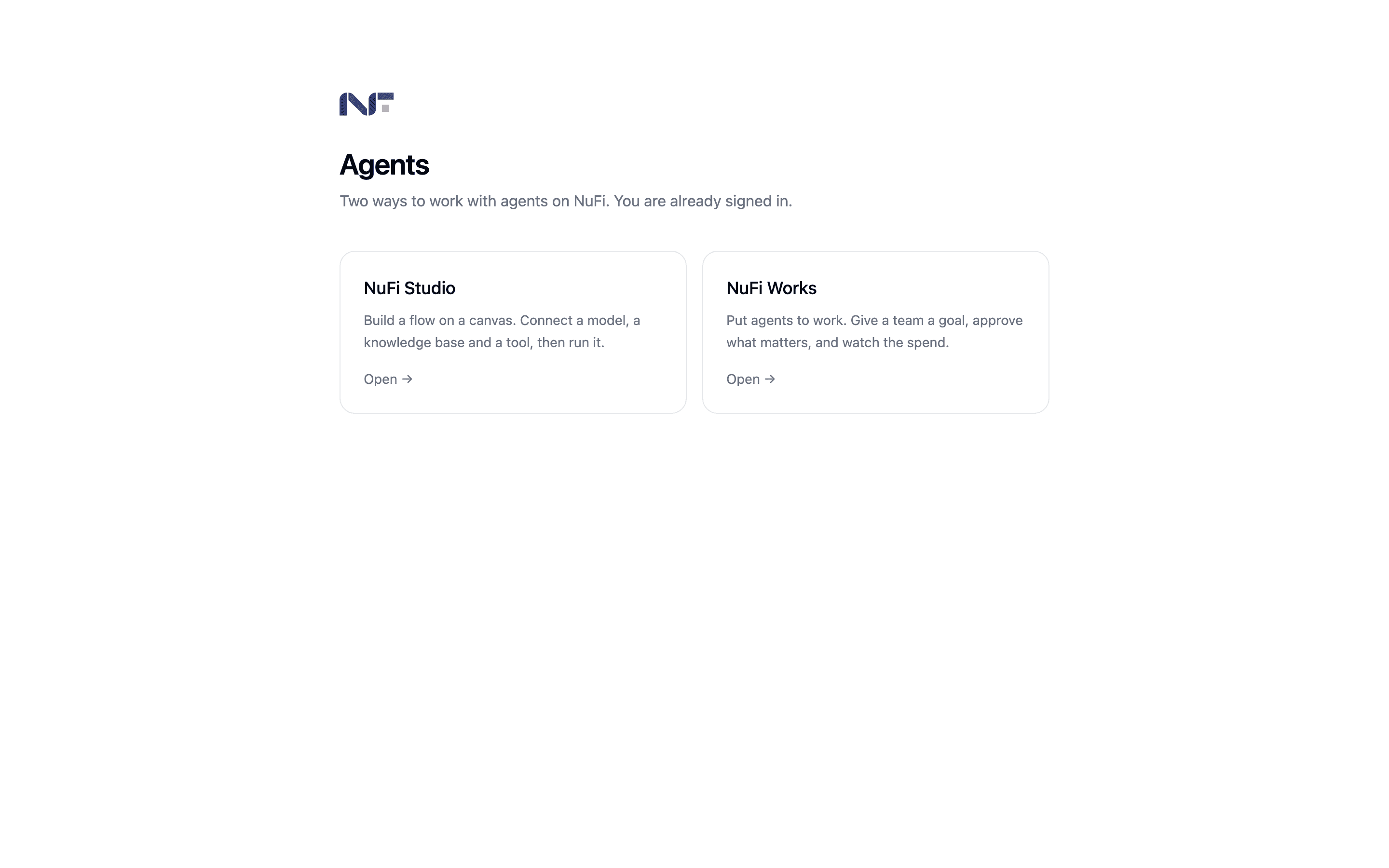
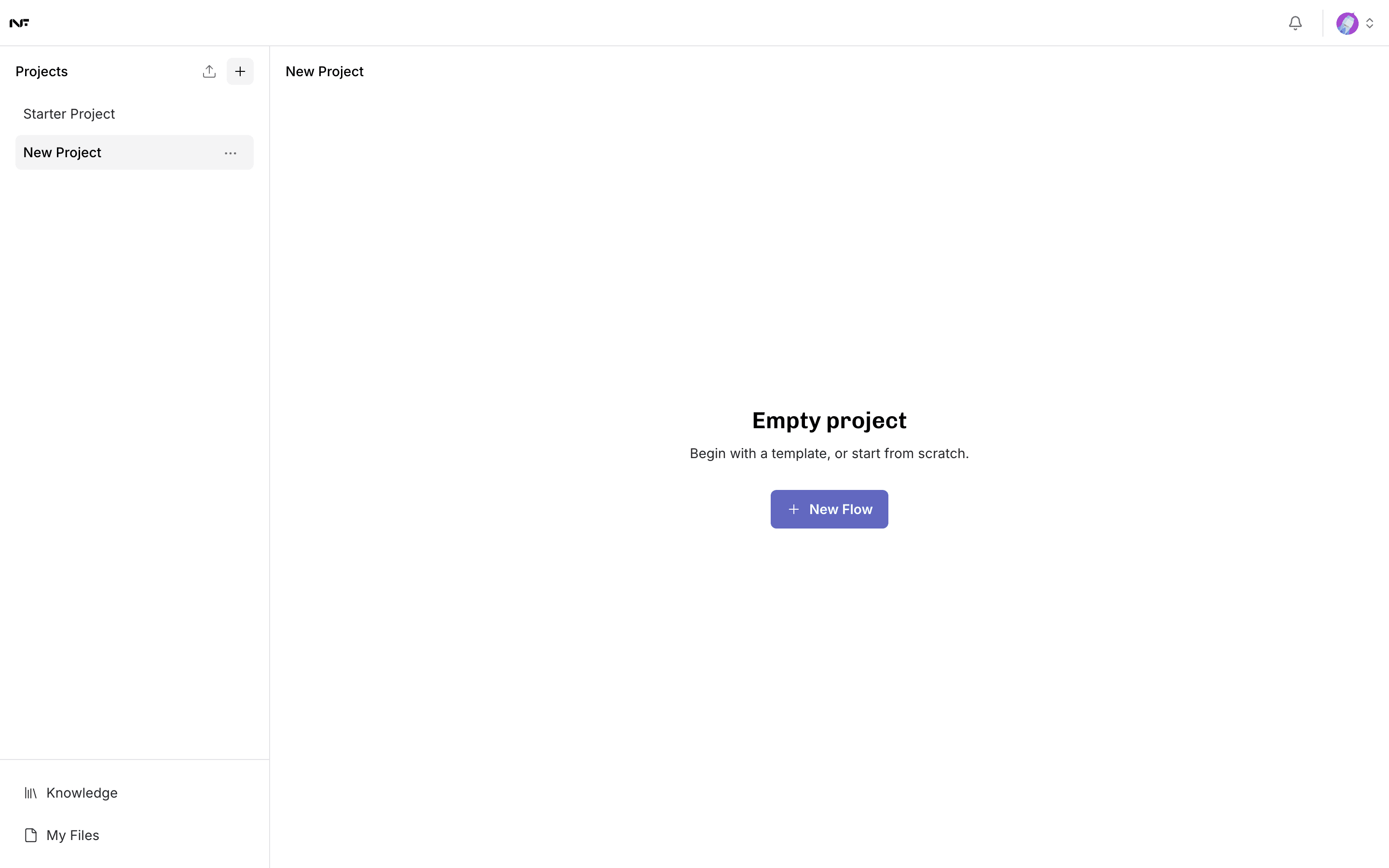
The home screen lists your projects on the left, and the flows inside the selected project on the right. A new account starts with a Starter Project.
2. Connect a model
Do this before building anything. Studio ships with no model connected, and a flow without one fails at the moment you run it with a message that does not mention the cause. It takes about a minute — see Connect a model.
Briefly: Settings → Model Providers → OpenAI Compatible, base URL
https://api.codechi.me/v1, and an API key you generate in the
console. Saved correctly, the provider
moves to the top of the list and reports how many models it can see.
3. Build a flow
Click New Flow. An empty project offers you a template or a blank canvas.
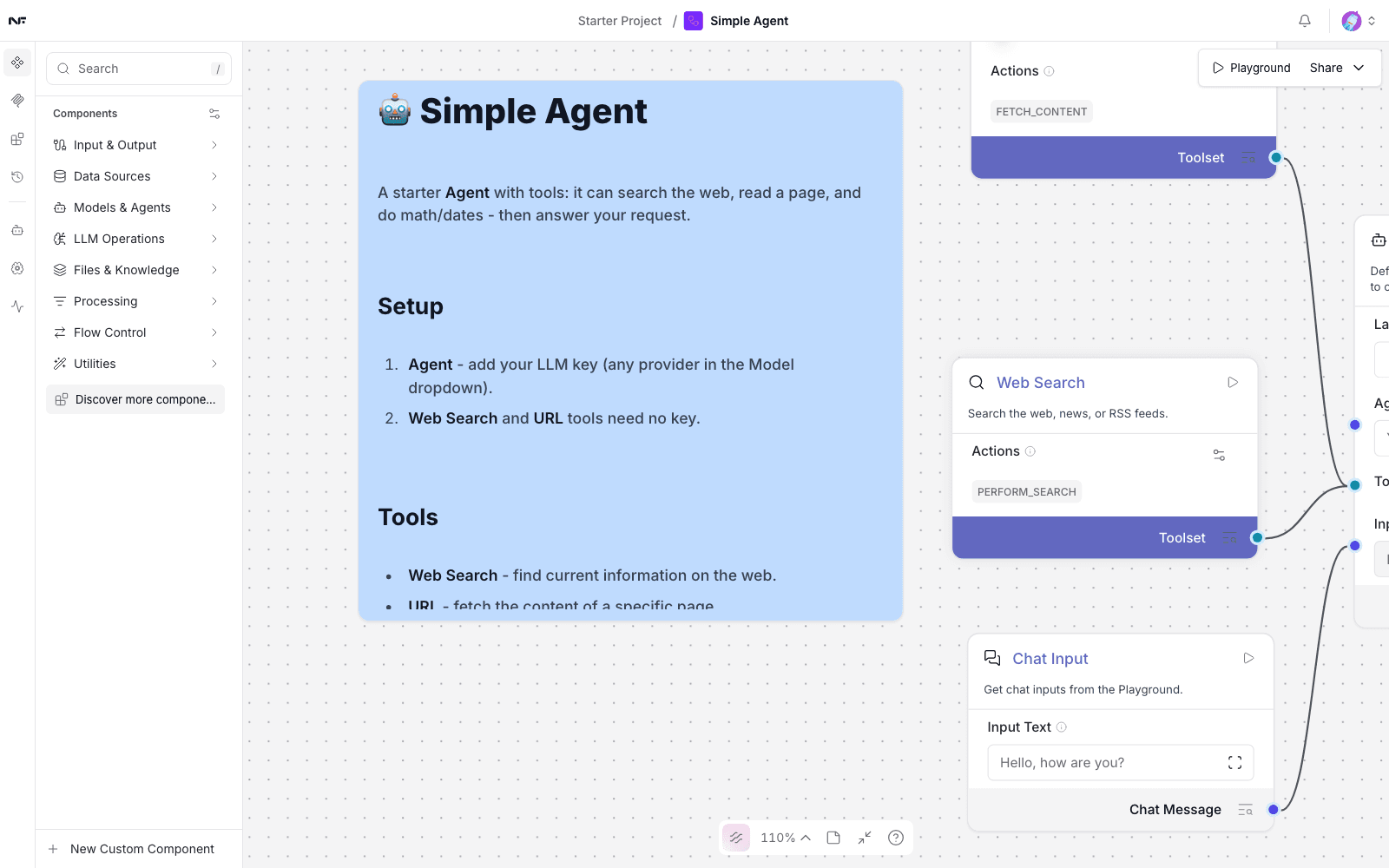
Choose the Simple Agent template. It arrives wired: a chat input, an agent, two tools, and an output.
A working run looks like this — the answer, with the time it took:
AI   ✓ Finished in 9.4s
     NuFi Studio is an AI assistant that completes user tasks using
     configured tools.
The model dropdown lists models that no longer work. The gateway still advertises several retired Gemini 2.0 models, and they sort to the top, so the obvious choice is a broken one. Picking one produces "An error occurred" in the Playground and nothing else.
Choose Nufi-lab/models/gemini-2.5-flash or the plain gemini alias.
The full list of what works is in
Connect a model.