
Variables and credentials
Where a secret belongs in Studio, and why a component field is not it.
Do not paste a credential into a component field. Component configuration is visible in the flow, travels with an export, and is readable by anyone who can open it.
Studio has Global Variables for exactly this.
Storing one
The two types differ in one way that matters: a Credential is encrypted at rest and cannot be read back through the interface. A Generic variable is a convenience for values you would not mind someone seeing.
A Credential cannot be recovered, only replaced. Nothing in Studio will show you the value again. If you lose the original, generate a new credential at its source and update the variable.
Variables that already exist
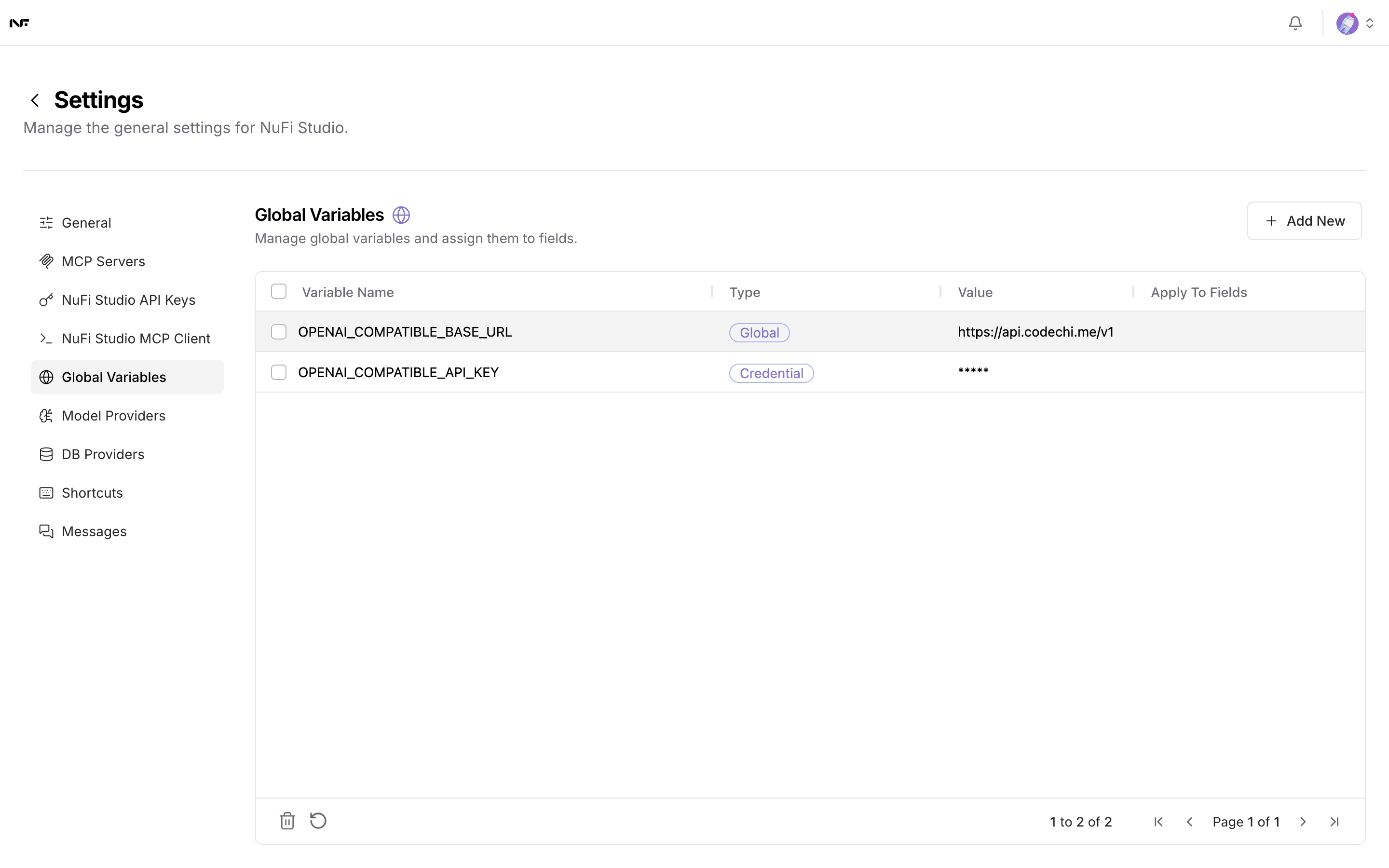
Connecting a model under Model Providers creates two here:
OPENAI_COMPATIBLE_BASE_URL as a Global variable holding the gateway
address, and OPENAI_COMPATIBLE_API_KEY as a Credential. Some accounts
also show FLOW_ID, COMPONENT_ID and FIELD_NAME with empty values,
which Studio creates for its own assistant features. Leave all of them
alone.
If saving a credential fails
A Credential variable is encrypted with the instance's secret key. If
saving one returns an error mentioning a Fernet key, the instance's
LANGFLOW_SECRET_KEY is not a valid encryption key and no credential can
be stored until an administrator fixes it. That is a deployment problem,
not something you can work around — see
Installing NuFi Studio.