
Studio and Works
NuFi has two agent apps. What each one is for, how to open them from the app, and why neither asks you to sign in again.
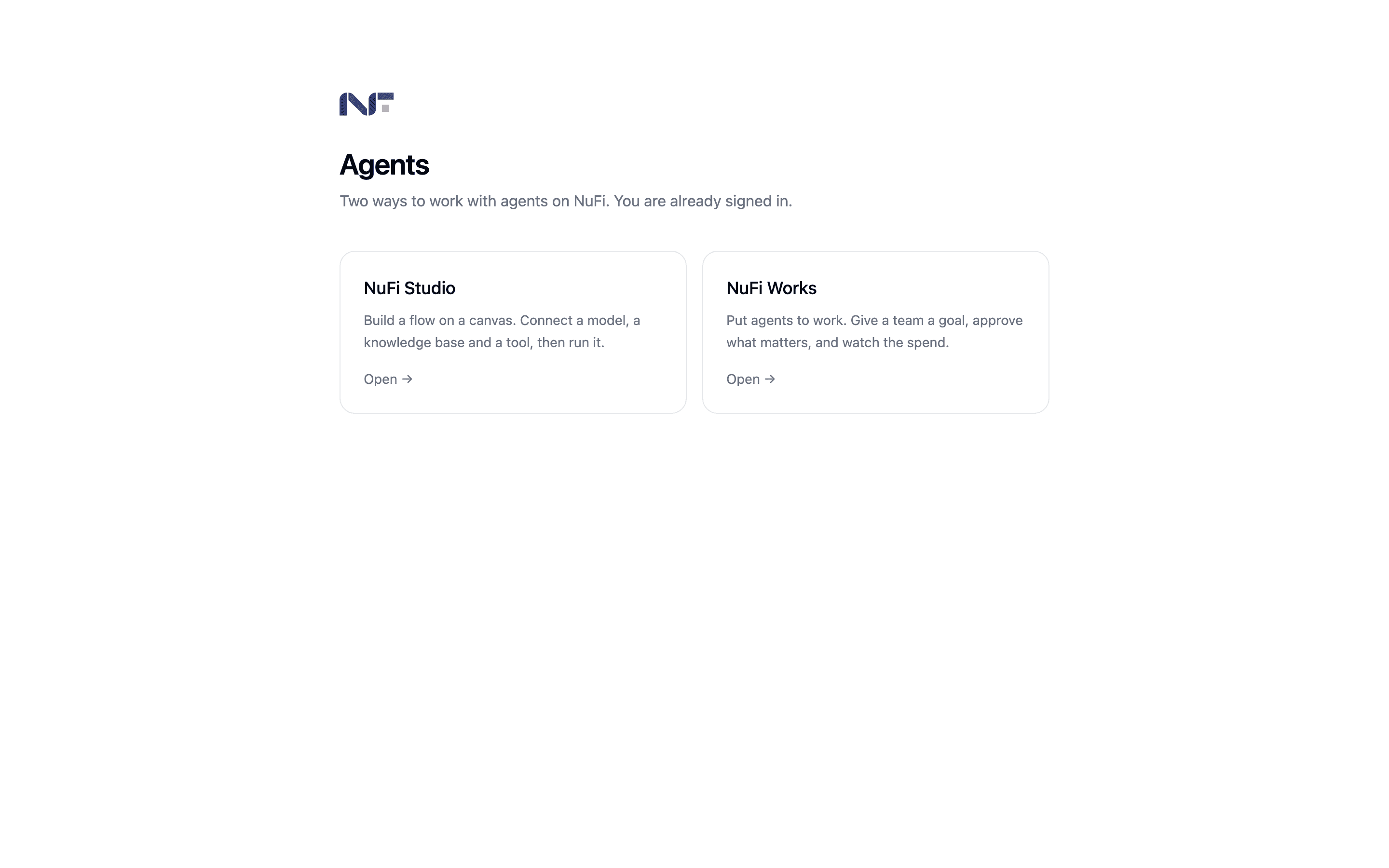
Beyond the assistants you build inside a conversation, NuFi has two separate apps for working with agents. They solve different problems, and the names are the fastest way to tell them apart: one is a place to build something, the other is a place to run work.
| NuFi Studio | NuFi Works | |
|---|---|---|
| What it is | A canvas | An operations app |
| You use it to | Wire a model, a knowledge base and a tool into a flow, then run it | Give a team of agents a goal, approve what matters, watch the spend |
| You get out | A pipeline you can publish as an API endpoint | Completed tasks, with a record of who approved what |
| Think of it as | A workbench | A team |
| Full documentation | NuFi Studio | NuFi Works |
This page is the short version. Each product has its own section in the sidebar switcher above, with setup, day-to-day use and troubleshooting.
Neither replaces the assistants in the chat app. Those stay where they are — see Agents and skills.
Opening them
Both live behind one door.
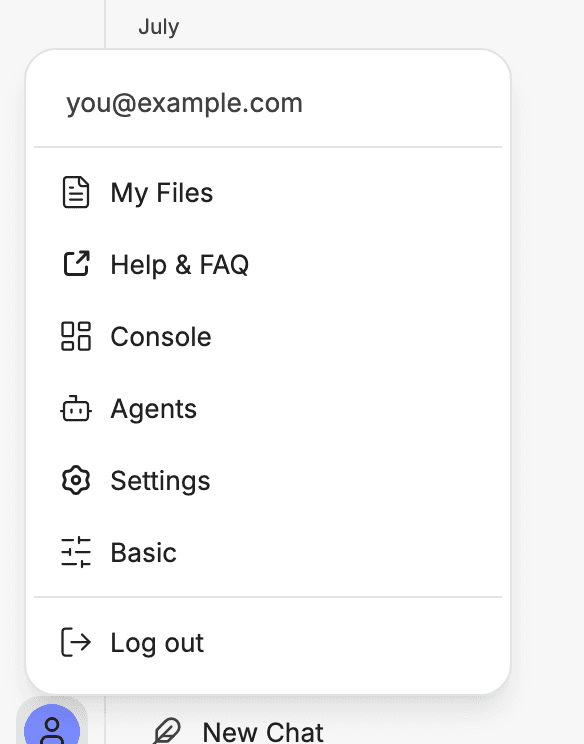
In the NuFi app, click your avatar — the round button at the very
bottom of the left icon rail — and choose Agents. If the entry is
missing, type agents.nufi.me into the address bar instead.
You can also go straight to agents.nufi.me. Either way you need to be
signed in to NuFi first — the door reads your existing session, and
without one it has no way to know who you are.
Why there is no second password
There is no separate account for Studio or for Works. Your NuFi account is the account, and the sign-in you already did is the one that counts.
When you pick a product, NuFi vouches for you to it: it confirms who you are, says what you are allowed to do, and hands that over for a limited time. The product creates your user the first time it sees you and recognises you from then on.
Two consequences worth knowing:
- Signing out of NuFi does not instantly sign you out of Studio or Works. What was handed over stays valid until it expires — up to eight hours by default. On a shared machine, close the tabs.
- An administrator decides who can open which app. Unless yours has set that up, everyone with a NuFi account can open both. If a card on the chooser is greyed out, your account is not on the list for that app — that is an administrator's setting, not something the app can let you past.
Only ever reach these apps from the NuFi app or by typing the address yourself. A link from elsewhere that lands you on a page asking to "continue with NuFi" is worth a second look before you click it.
Which one do I want?
Ask what you have in your hand.
- A question and some documents — you want neither of these. Use the chat app; see Chat with a document.
- A repeatable process — extract fields from an invoice, answer from a document set, summarise every incoming ticket — that is a flow. Use Studio.
- A body of work with several moving parts and a deadline — that is a team with a goal. Use Works, and start with Assigning work to agents.
Costs
Everything either app does with a model runs through NuFi and lands on your usage, the same as a conversation does. You can see it in the console under API keys.
In Works there is one extra step before that is true for you specifically — see Connecting your NuFi account. Until you do it, agents run on whatever key the server was configured with.