
Knowledge and document chat
Ground the AI in your own documents so it answers from them — often called RAG (retrieval-augmented generation).
By default the AI answers from what it learned during training. Knowledge lets it answer from your documents instead — a policy handbook, a product spec, a stack of reports — and quote the parts it used.
Under the hood this is RAG (retrieval-augmented generation): when you ask a question, NuFi finds the most relevant passages in your documents and hands them to the model along with your question, so the answer is grounded in your content rather than guessed.
Guide: For a full walkthrough, see Build a knowledge assistant.
Building a knowledge agent needs Advanced mode; the Agent Builder is in the left icon rail only there.
Two ways to chat with a document
| Quick attach | Knowledge agent | |
|---|---|---|
| How | Attach a file to a message | Upload files into an agent |
| Lasts | Just that conversation | Every chat with the agent |
| Best for | A one-off question about one file | A document set you return to often |
| Set up in | Files and images | This page |
For a one-off question, the quick path is enough — in Advanced mode, turn on File Search in the Tools menu, attach the file with Upload for File Search, and ask. Read on for the agent path, which keeps your documents available across new chats and shares them with a team.
Build a knowledge agent
An agent is a reusable assistant (see Agents and skills). Turning on File Search and adding documents gives it a permanent memory of those files.
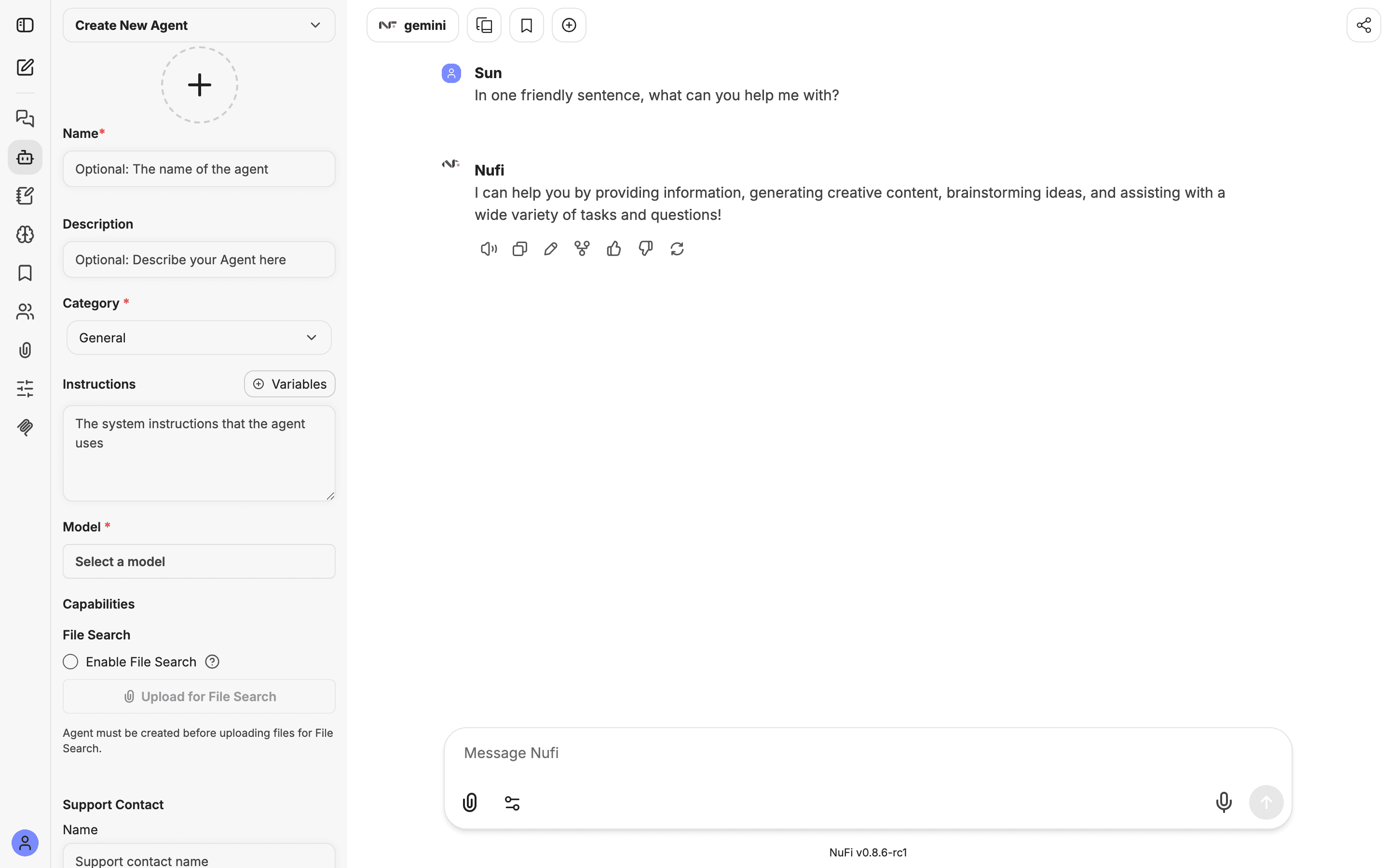
Once the agent exists and File Search is on, the knowledge section shows each document and an Upload for File Search button to add more:
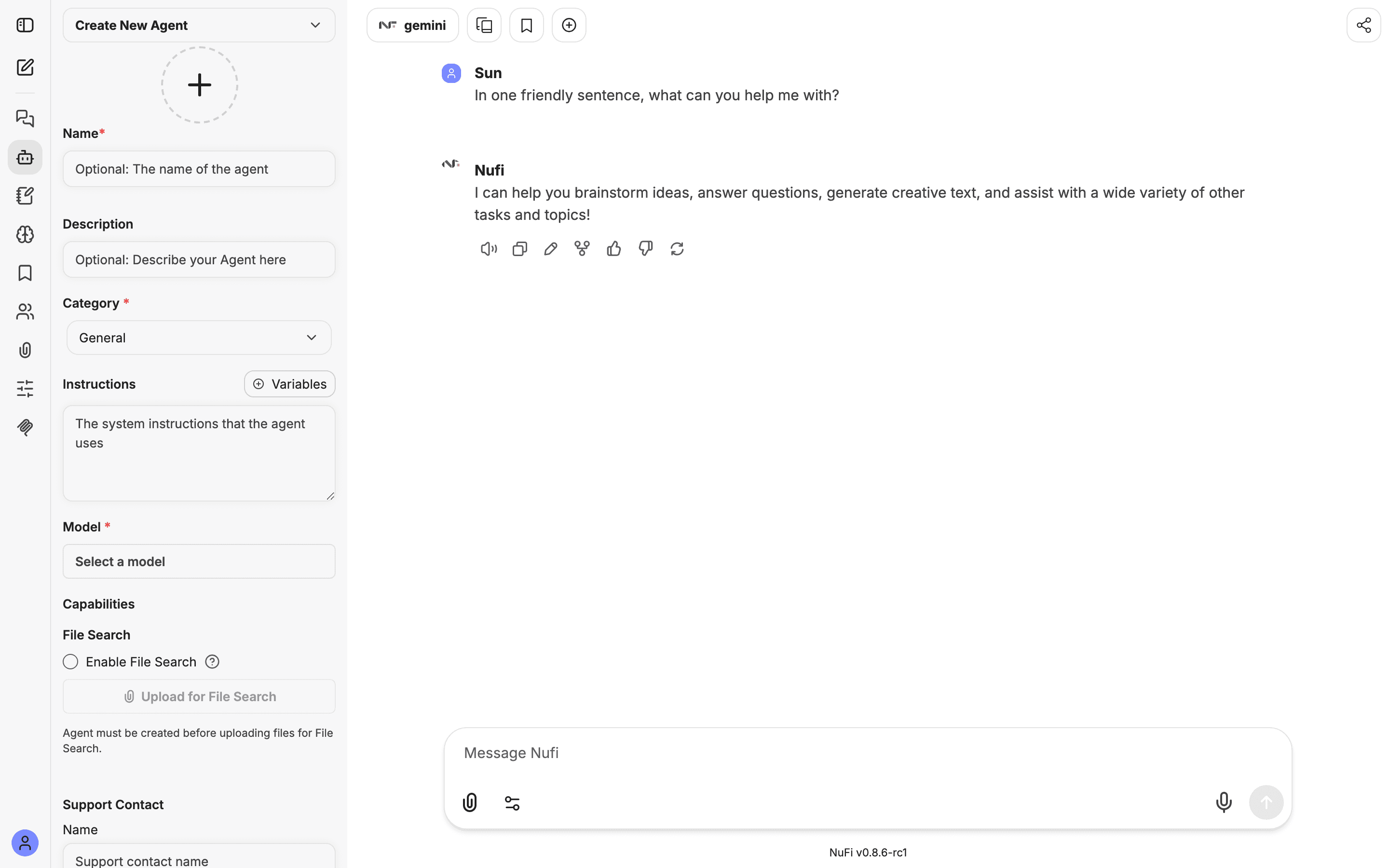
Create first, then upload. For a brand-new agent the upload button is disabled with the note "Agent must be created before uploading files for File Search." Fill in a name and model, click Create, and the button turns on.
Ask questions
Select the agent and ask in plain language. Because retrieval happens per question, you can keep the conversation going:
Summarise this handbook's leave policy in three bullets.
How many days of paid annual leave do full-time employees get?
Does the remote-work section mention meeting-free days?
The AI pulls the relevant passages and answers from them — for the question above it would answer 18 days because that's what the document says, not a generic guess. Ask it to name the document and section it used, so you can check the source.
Share knowledge with a team
Upload once, let your whole team ask. On a team's Knowledge tab you can share a document with everyone (or with a specific group), and it becomes shared document chat for the team.
See Teams and sharing.
What works well
- File types — PDF, plain text, Markdown, CSV, Word and JSON: the same list as Files and images. Text-based documents retrieve best; a scanned image of text won't unless it has a text layer.
- Structure helps — clear headings and short sections retrieve more accurately than one long wall of text.
- Split very large documents — several focused files usually beat one enormous file.
- Name files clearly — names show up next to the answer, so
2024-hr-handbook.pdfis friendlier thandoc1.pdf.
Files uploaded into an agent have their own limits, larger than a message attachment's. Your administrator sets them.
Tips for better answers
- Ask specific questions. "What's the refund window in section 4?" beats "tell me about refunds."
- Point at the document in your wording — "according to the handbook…" nudges the model to lean on the file.
- Add instructions to the agent like "Only answer from the uploaded documents. If it isn't there, say so." to keep it from filling gaps with guesses.
- Keep knowledge tidy. Remove outdated files so old text can't be retrieved by mistake.
Troubleshooting
- The answer ignores my document — make sure File Search is enabled on the agent and the file finished processing (its card is showing), and that you're chatting with that agent.
- It answers from general knowledge instead — the passage may not have been retrieved. Ask more specifically, or add an instruction to answer only from the uploaded files.
- "File too large" — over the per-file cap. Split or compress it.
- A scanned PDF returns nothing — it has no selectable text. Use a text-based PDF or run OCR first.
- A teammate can't use it — knowledge shared through an agent or the team Knowledge tab follows team sharing; check the audience on Teams and sharing.