
Users and membership
Where accounts come from, and how you give people roles and groups.
People get a NuFi account by signing in to the app: self-registration when it is open, or your identity provider. Registration is switched on the System tab of Configuration. The admin panel has no user-creation screen in the shipped build (the page exists in the code and is disabled), so as an admin you decide what each person can do by putting them into roles and groups on Access.
Give someone admin powers
ADMIN, or a sub-admin
role of your own that holds access:admin.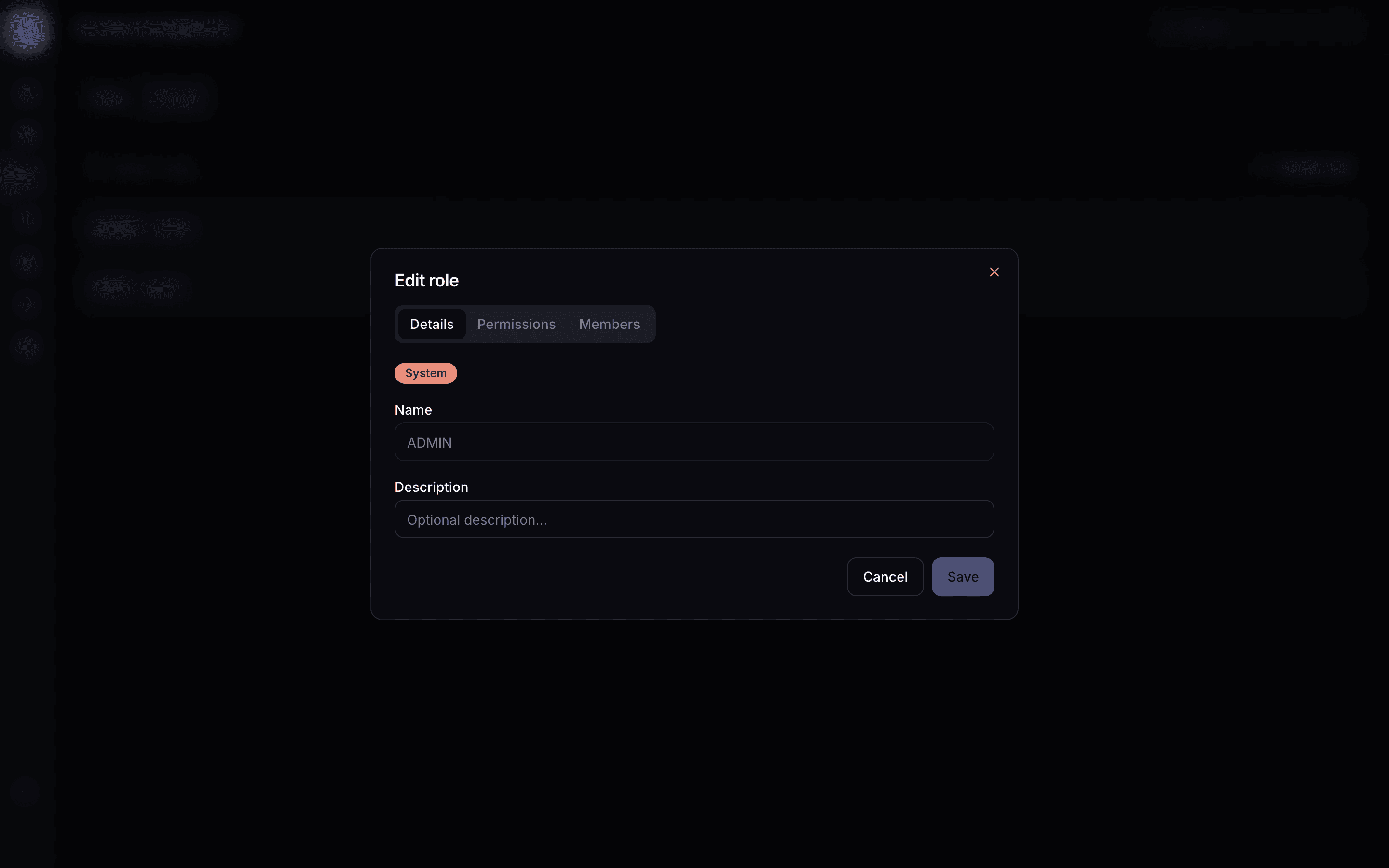
To take the powers away, remove them from the role's Members. With no admin role left, they are an ordinary user of the app again.
Give a set of people different features or limits
Configuration profiles explains how the values resolve when a person is in several groups.
Budgets, keys and usage
Budgets, rate limits and API keys live in the gateway, not here. Each member manages their own keys in NuFi Console, where they also see their spend; an admin sees everything in the gateway's own UI, Gateway admin. The app's own traffic runs on one shared gateway key, so a person's chat usage shows up in Langfuse under their id but is not capped per person by the gateway.
Removing a person
Delete the account in the app's own settings, or disable it at your identity provider; the admin panel does not delete accounts. Their conversations and files go with the account.