
Automate a repeating task
Turn something you do again and again into a one-click agent or saved prompt — then share it.
If you keep typing the same kind of instruction — a weekly report, a standard reply, a review checklist — turn it into something reusable. A saved prompt for fixed text, or an agent when the task needs tools or knowledge. Then share it so the whole team benefits.
What you'll need
- Advanced mode. A team, if you'll share what you build.
Steps
Spot the repeated task — anything you ask for in roughly the same shape each time.
Pick the right tool: for a fixed instruction, save a prompt (under Prompts in the left icon rail). For a task that needs tools or knowledge, build an agent.
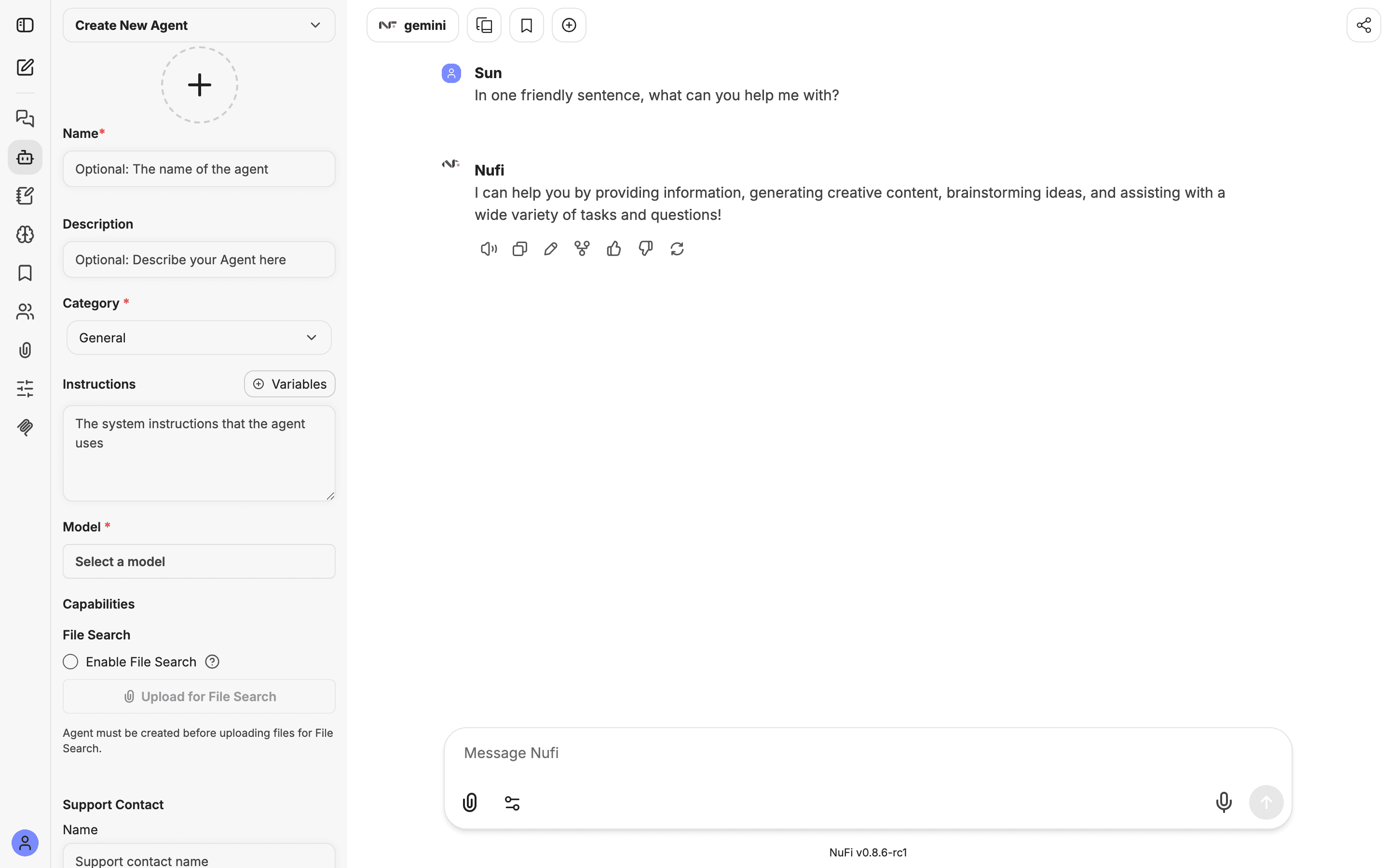
Give it clear instructions and one worked example, so the output is consistent every time.
Test it on a real input and adjust the instructions until it's reliable.
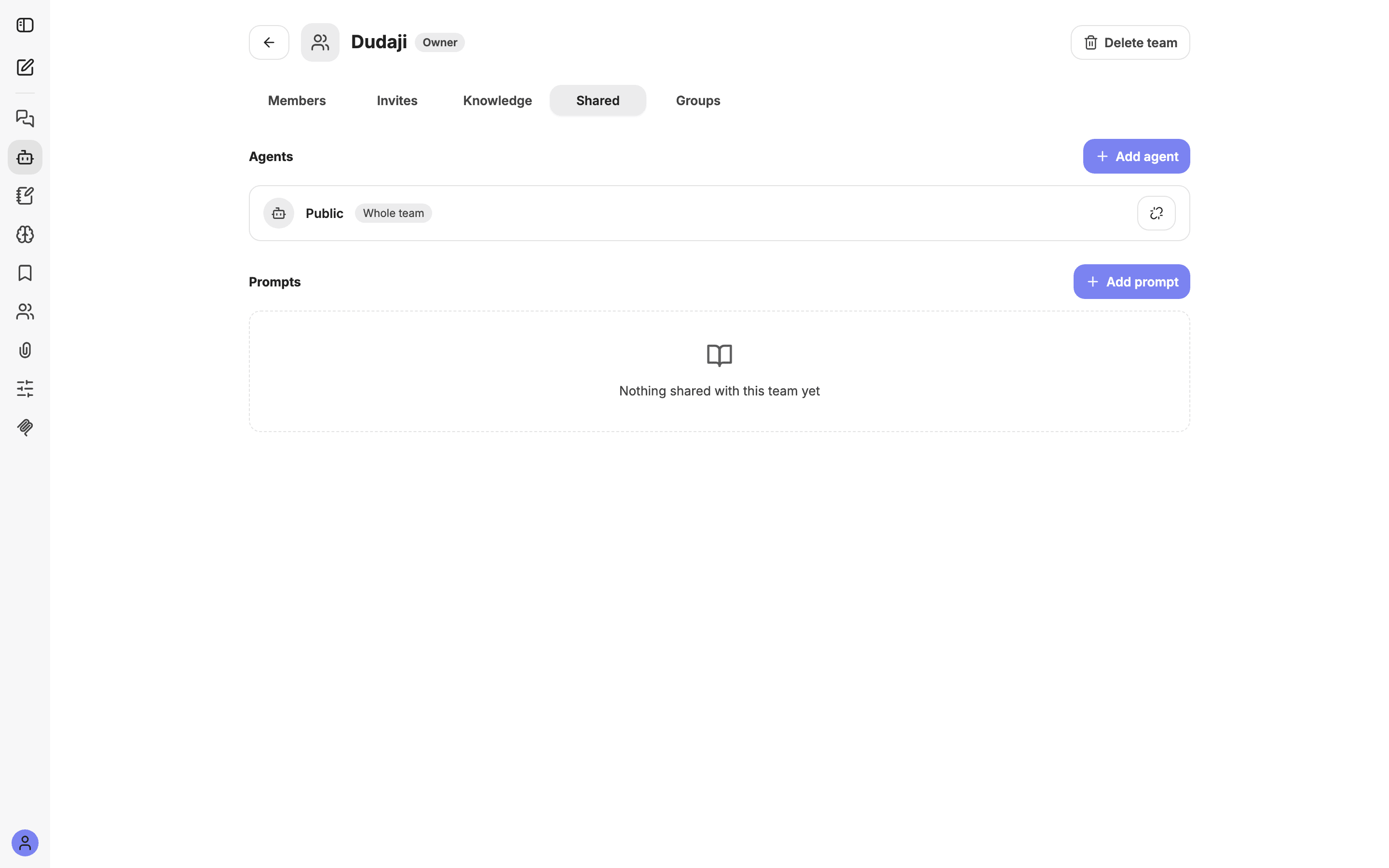
Share it with your team or a specific group, so everyone gets the same one-click tool.
What you get
A reusable agent or prompt that produces consistent results in one click — less repetition for you, and a shared standard for the team.
Make it better
- Name it clearly so teammates can find it.
- Put an example in the instructions — it's the fastest way to lock in the format you want.
- Version it by editing; changes flow to everyone it's shared with.
- Scope with groups when a tool is only relevant to some people.