
Draft, refine, and translate writing
Go from a rough brief to a polished, translated piece, and save what worked so next time is one click.
Writing with NuFi works best as a conversation: draft, react, try an alternative, translate, and save what worked. This guide walks that loop end to end. The first four steps work in Basic mode; saving a prompt or preset needs Advanced.
Steps
Describe what you want in plain language:
Draft a 150-word product-update email about feature X, friendly tone, ending with a clear call to action.
Refine by replying. You do not need to start over:
Make it shorter and lead with the benefit, not the feature.
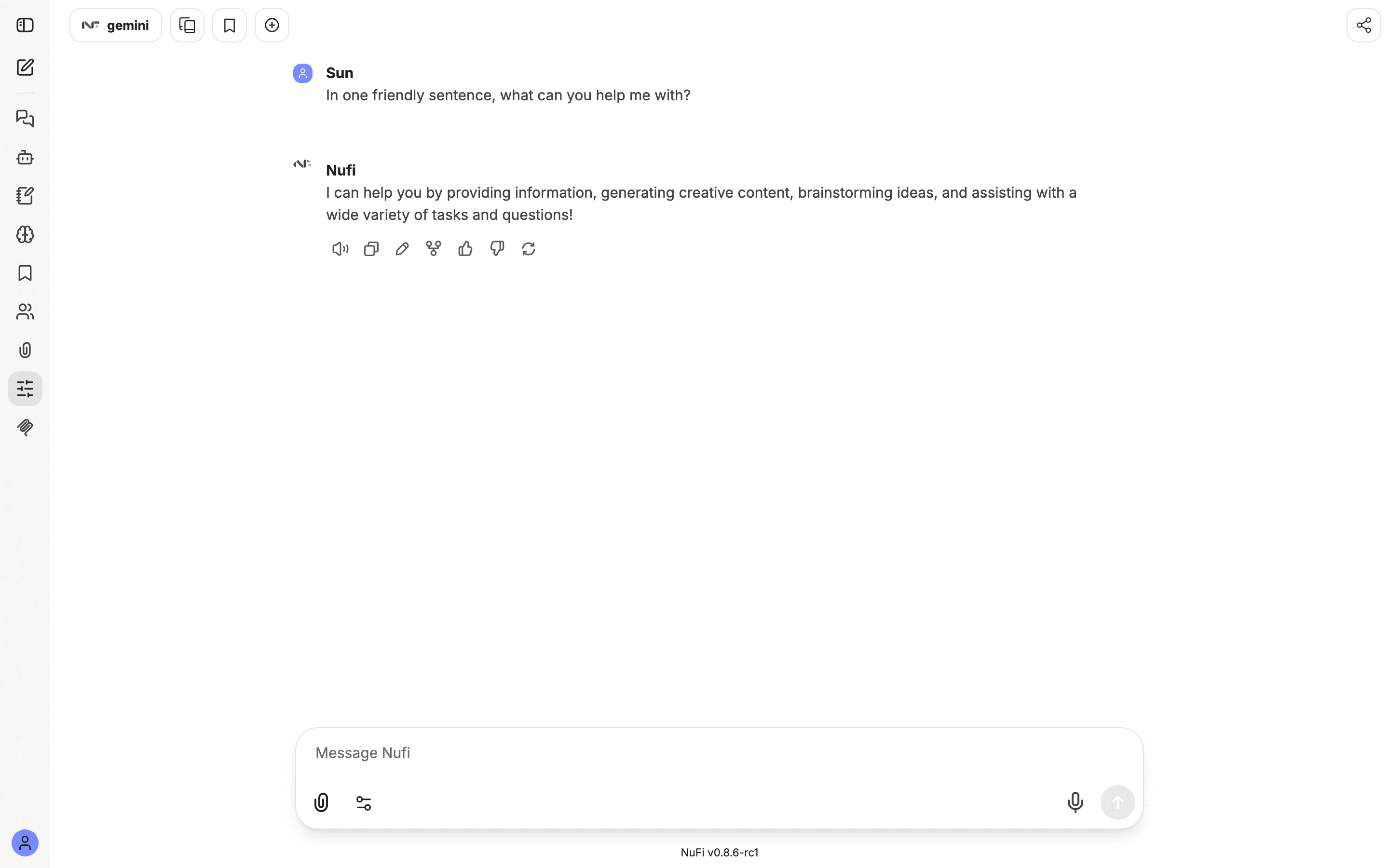
Want a second angle without losing this one? Click the pencil on your message, change the brief, and click Save & Submit. Both versions are kept, and the arrows under the message switch between them. In Advanced mode, Fork under a reply does the same for a whole conversation.
Translate the version you like:
Translate the final version into Vietnamese, keep it professional.
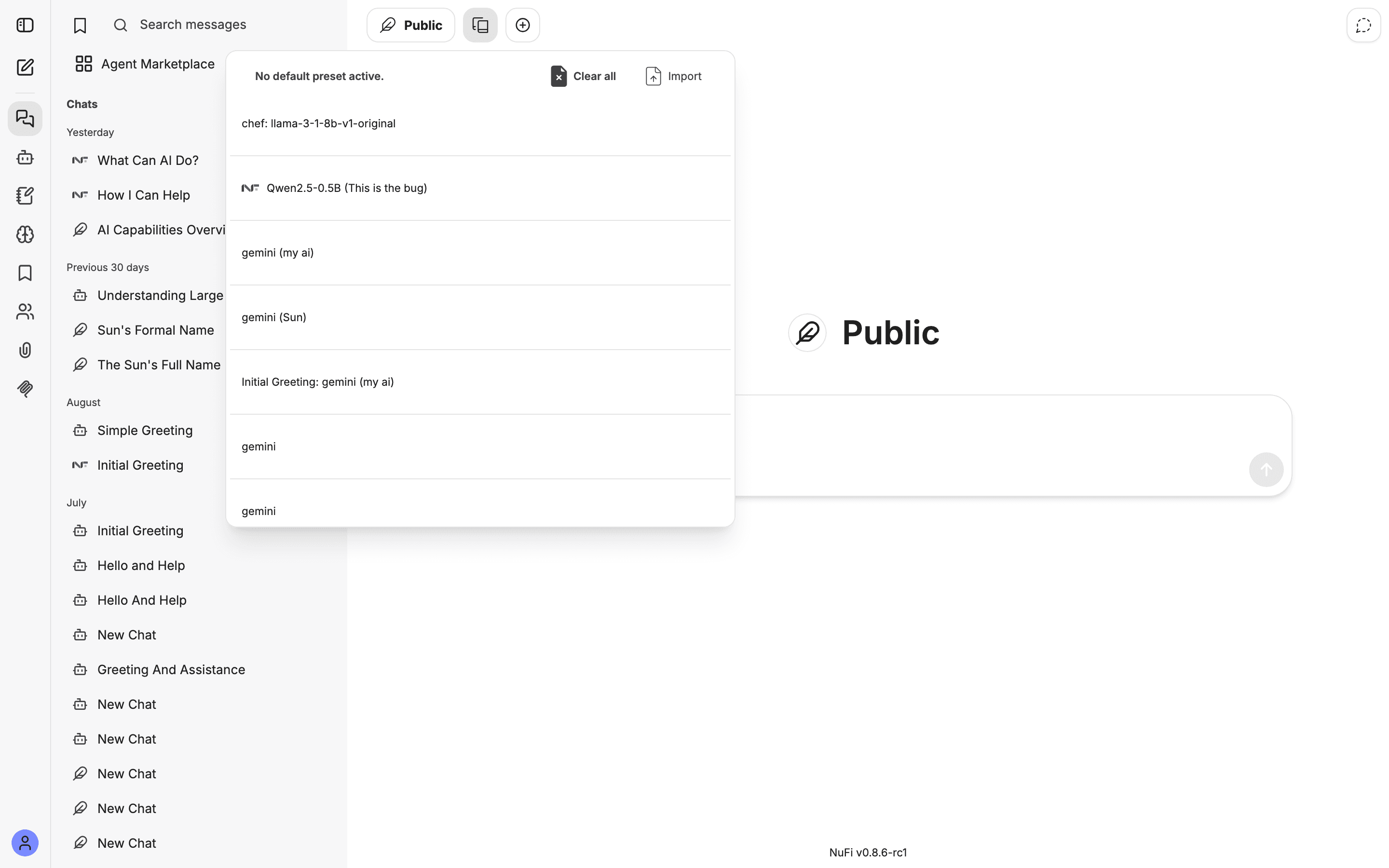
Reuse it. In Advanced mode, save the instruction as a saved prompt under Prompts in the left icon rail, or save the whole model-and- settings combination as a preset.
Make it better
- Show the tone you want — paste a short example and the model matches it.
- Keep versions by editing with Save & Submit rather than rewriting in place.
- Share what works — a good prompt or agent belongs to the whole team; see the automation guide below.