
Connect NuFi to your code
Create an API key in the console and make your first request from your own app.
Want to call NuFi from a script, an internal tool, or an integration? Generate a key in the console and use it with anything that speaks the OpenAI API.
What you will need
- Access to
console.nufi.me. You sign in at the app first; the console reads the same session. curl, or an OpenAI-compatible SDK in your language.
Steps
Sign in at the app, then open the console from the avatar menu →
Console, or go to console.nufi.me.
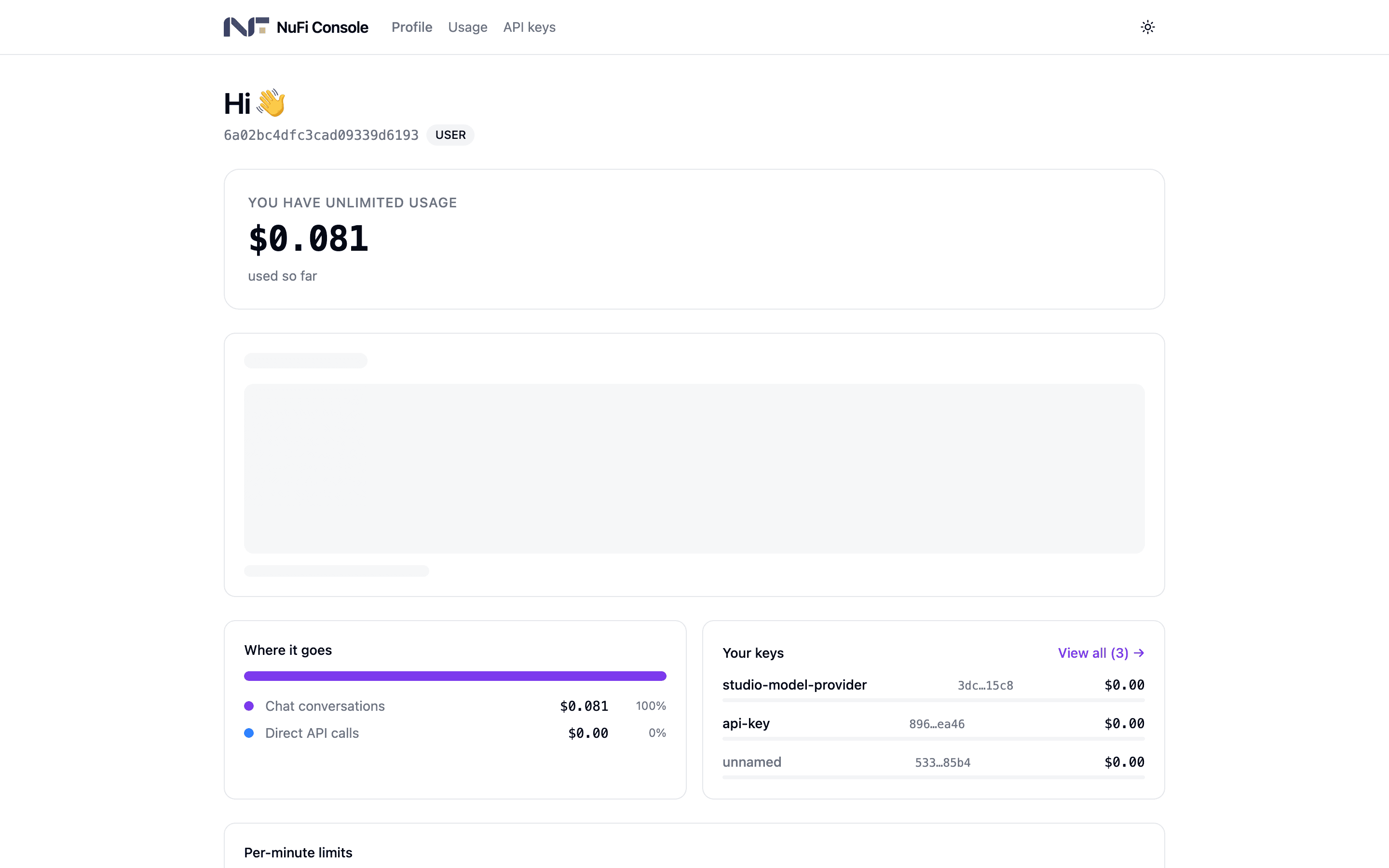
Open API keys, click Generate Key, give it an Alias such as
laptop, and click Generate. The key is shown once, together with
ready-made snippets. Copy it and click I've saved it.
Make the first request. The base URL is https://api.codechi.me/v1 and
gemini is the general-purpose model:
curl https://api.codechi.me/v1/chat/completions \
  -H "Authorization: Bearer sk-…" \
  -H "Content-Type: application/json" \
  -d '{
    "model": "gemini",
    "messages": [{"role": "user", "content": "hello"}]
  }'
Or from Python:
from openai import OpenAI

client = OpenAI(base_url="https://api.codechi.me/v1", api_key="sk-…")
print(client.chat.completions.create(
    model="gemini",
    messages=[{"role": "user", "content": "hello"}],
).choices[0].message.content)
Open the console's Usage tab. The call is there, with its model, time and tokens.
Make it better
- Keep the key out of the code. Read it from an environment variable; never commit it.
- One key per app, so retiring the app is one revoke.
- Give unattended scripts a small budget and a short expiry when you generate the key.